




Shaping Your Digital Environment
Technology shapes your day in ways you might not notice—what you see, when notifications appear, and how it impacts your ability to focus or unwind. Your digital environment affects how you feel, think, and spend your time. The good news? You get to decide how it fits into your life. By customizing your apps and phone settings, you can make your devices work for you, not against you.

Make sure to collect a stamp in your Digital Wellness Passport when you’ve finished this activity!
Take Control of Your Devices
Most phones and apps already have built-in tools to help you reduce distractions, manage your time, and shape what you see online. You just have to know where to look. From adjusting notifications and managing your social media feeds to setting screen time limits and finding the right productivity app, small changes to your settings can make a real difference in how technology feels day-to-day.
Customize Your Notifications
By focus mode or profile
System Settings → Focus (iPhone) or Modes & Routines (Android) → Choose which apps and contacts can reach you during different parts of your day
By individual app
System Settings → Find the app → Adjust what notifications you allow and when
Manage Your Social Media Feeds
Most platforms let you shape what you see and how much time you spend there. Go to your profile or privacy settings and look for keywords like:
- Time Management
- Notifications
- Family
- Preferences
- Content
Check Your Screen Time
Find out how much time you’re actually spending on your devices, and where.
System Settings → Screen Time (iPhone) or Digital Wellbeing (Android)
Set App Limits
Set a daily time limit for specific apps.
System Settings → Screen Time or Digital Wellbeing → App Limits
Set Bedtime Mode
Schedule your phone to wind down at night by silencing notifications and dimming the screen.
System Settings → Focus → Sleep (iPhone) or Bedtime Mode (Android)
Try Grayscale Mode
Set your screen to grayscale to make your phone less compelling.
Settings → Accessibility → Display & Text Size → Color Filters (iPhone) or Display → Grayscale (Android)
Find a Productivity App
Here are three questions to help you find a productivity app that fits your needs and working style.
What do you want it to do?
- Take notes
- Manage tasks
- Track time
- Other
What kind of app works best for you?
- All-in-one organizer
- Simple task list
- Creative canvas
- Distraction blocker
How much do you want to spend?
- Free
- One-time purchase
- Subscription
Find Settings by Platform
Most platforms have dedicated tools for families and youth, including parental controls, family sharing, and safety settings for young users. Visit our Digital Wellness Management page for links to platform-specific guides for the apps and devices your family uses most.
Thanks for joining us!
We hope today sparked some new conversations, and maybe a few small changes. To stay connected with us, our monthly newsletter covers the latest research, practical tips for families, and what’s happening at the Lab.

Healthier digital habits for your family.
Get practical tips and tools at a free event designed to help guide your family’s online choices.
Today’s event is one of many free workshops Verizon is hosting around the country in partnership with the Digital Wellness Lab and other expert organizations. Explore the full range of free workshops Verizon is offering for families, older adults, and communities.

More to Explore
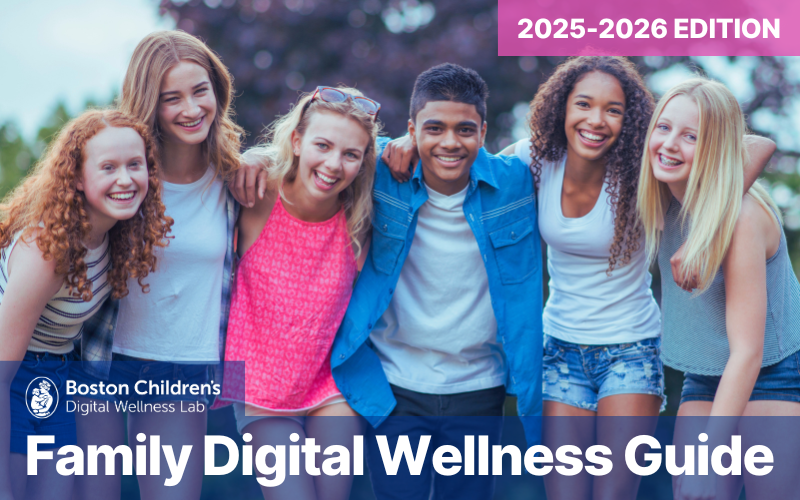
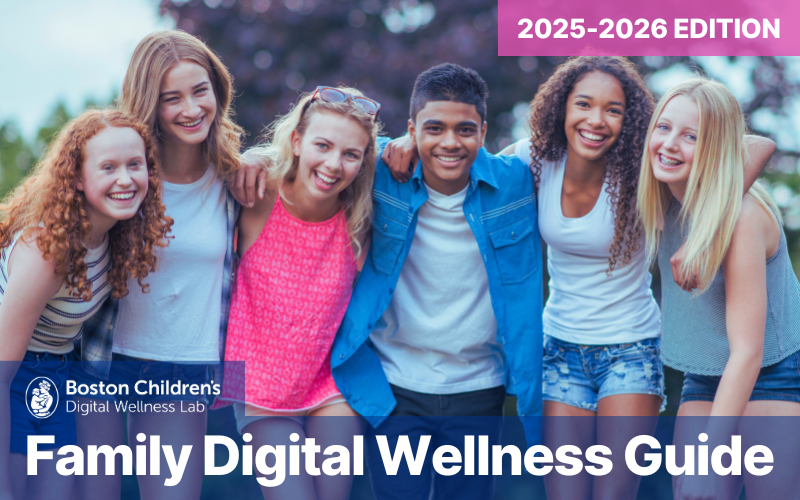
Our Family Digital Wellness Guide is a great place to keep exploring and it’s available in English and En Español.
GET THE GUIDE →We believe that by following the science, we can create an empathetic and respectful world in which our kids can grow up healthy, smart, and kind.

Subscribe to our email newsletter to receive Lab news & insights
©2026 Boston Children’s Hospital. All rights reserved. Terms of Use Privacy Policy