




Shape Your Digital Environment
Technology shapes your day in ways you might not notice—what you see, when notifications appear, and how it impacts your ability to focus or unwind. Your digital environment affects how you feel, think, and spend your time. The good news? You get to decide how it fits into your life. By customizing your apps and phone settings, you can make your devices work for you, not against you.
How It Works
This quick tune-up walks you through six built-in settings that put you back in charge of your devices. Choose your phone to get started, mark each change as you go, and pick a few to try this week, then download your personal plan to keep.*
*Everything you enter here stays on your device. We do not collect, store, or see your inputs. Your browser will save what you enter locally so you can return to your work, but they will disappear if you clear your cookies and site data, or if you use a different device or browser.
Interested in more helpful resources?
We hope this activity sparked some new conversations, and maybe a few small changes. To stay connected with us, our monthly newsletter covers the latest research, practical tips for families, and what’s happening at the Lab.
Want to go deeper?
Check out our free live webinars, where Digital Wellness Lab researchers share practical, research-backed guidance and answer your questions in real time.
See upcoming webinars →
Stay connected with us
When you sign up for our monthly newsletter, you’ll get the latest research, practical tips for families, and news from the Lab.
SUBSCRIBE TODAY →
More to Explore
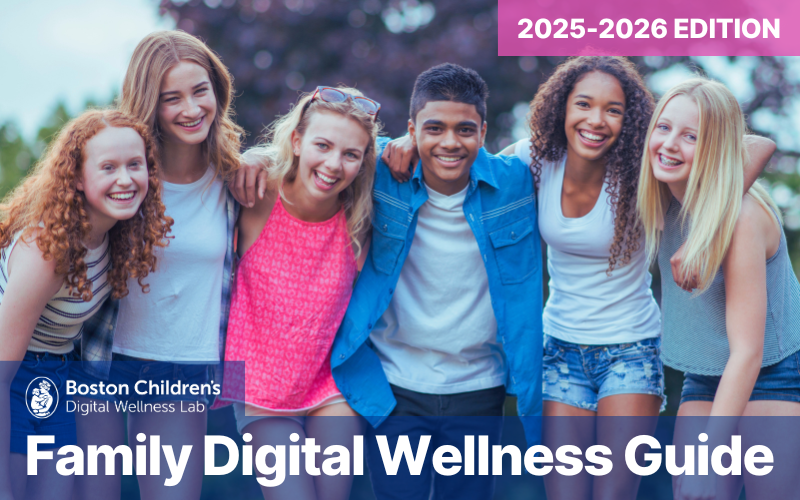
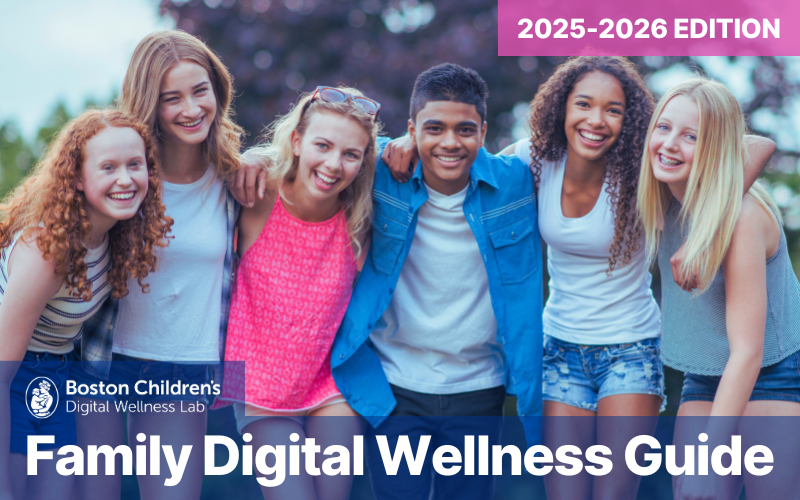
Our Family Digital Wellness Guide is a great place to keep exploring and it’s available in English and En Español.
GET THE GUIDE →We believe that by following the science, we can create an empathetic and respectful world in which our kids can grow up healthy, smart, and kind.

Subscribe to our email newsletter to receive Lab news & insights
©2026 Boston Children’s Hospital. All rights reserved. Terms of Use Privacy Policy